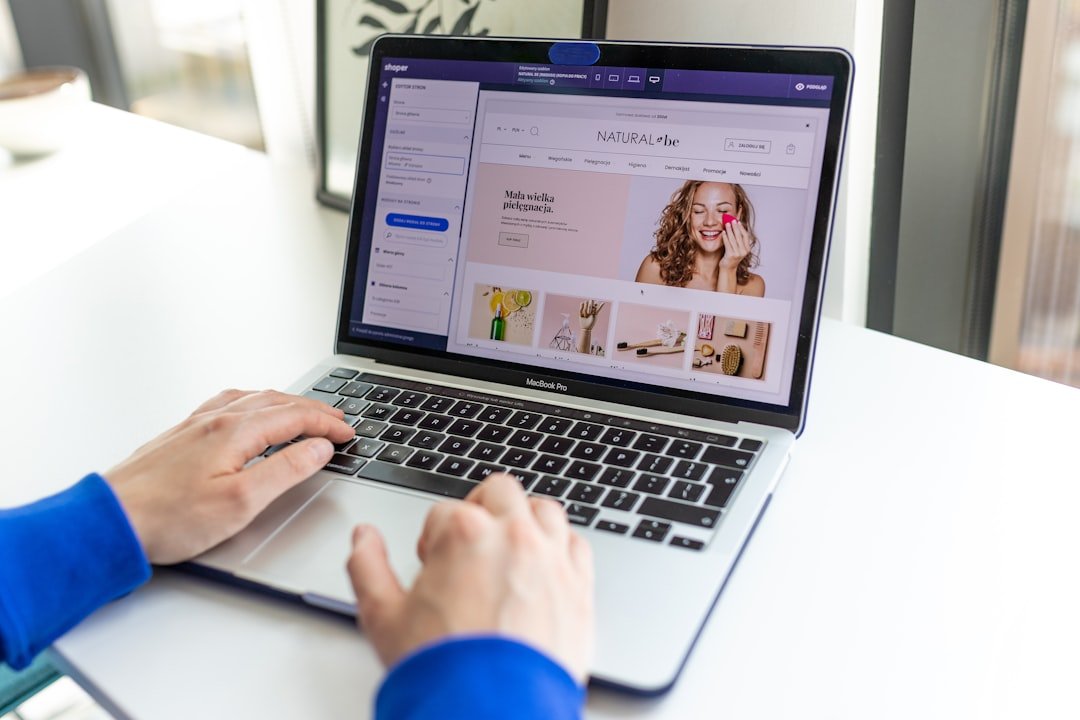
How to set up an Amazon Storefront depends on what you mean by “storefront.” The setup path differs. For influencers, it is a public page for product recommendations; for brand owners, it is a multi-page brand Store built through Seller Central. How to set up an Amazon Storefront starts with choosing the right path before you apply or spend time making graphics.
Choose the right Amazon storefront type
Amazon uses similar language for two different tools. They are different products. An influencer storefront is tied to the Amazon Influencer Program and lets approved creators organize product picks into lists, while a seller Store is a branded shopping destination for a registered brand.
| Storefront type | Who it is for | Main purpose | Usual starting point |
|---|---|---|---|
| Influencer storefront | Creators with an established social audience | Curate products and share a custom storefront link | Amazon Influencer Program application |
| Seller brand Store | Brand owners selling products on Amazon | Present a brand catalog, story, and categories | Seller Central and Brand Registry access |
If you review, demonstrate, or recommend products online, the influencer route is usually the relevant one. Keep it focused. If you own the trademark and sell your own catalog, build a seller Store instead. Some businesses use both, but they have separate permissions and goals.
How to set up an Amazon Storefront for influencers
Start by applying through the Amazon Influencer Program in the country where you plan to operate. Check the official Amazon program page. Amazon commonly asks applicants to connect a qualifying social media account, and it reviews factors such as the account’s audience, engagement, and content quality. Approval is not automatic.
- Prepare your public social profile. Use a clear profile photo, bio, and recent posts that show your topic. Make your niche obvious. A profile with scattered reposts and little original content gives a reviewer less context.
- Apply with the strongest relevant account. Connect the social account where you regularly publish original material and have real audience interaction. Avoid buying followers. Artificial activity can create platform problems and does not create a useful audience anyway.
- Complete your account details after approval. Amazon may request payment and tax information before certain program tools or payments are available. Use accurate legal details. Requirements differ by marketplace and personal circumstances.
- Claim or select your storefront URL. Choose a short name that matches your creator identity where possible. Keep it stable. Changing names repeatedly can confuse people who saved an older link.
- Build useful idea lists. Group products by a shopper’s actual need, such as a home office setup or beginner camping gear. Each list needs a reason to exist. Ten relevant items often help more than a giant page with hundreds of unrelated links.
- Add a recognizable profile and description. Use an image you control and write one or two plain sentences about what people will find. Do not imply Amazon endorses you. Do not make claims about products that you cannot support.
- Review the storefront on mobile. Many visitors arrive through a social app browser. Check list titles, product order, image cropping, and whether your key recommendations appear near the top.
Start with one tight category. A practical example is a creator who posts apartment cooking videos and makes separate lists for basic knives, small-space storage, and cookware they actually use or can explain. That structure gives a visitor a faster decision than a list called “My favorites.”
Build a seller Store for your brand
A seller Store is designed for brands, not general product curation. Access often depends on Brand Registry status and the permissions in your Seller Central account. Verify the current requirements in your marketplace. You will generally need ownership or authorized control of a brand and its product detail pages.
- Confirm your brand access. In Seller Central, look for the Stores option and confirm that your account has the needed brand permissions. Fix ownership or user-permission issues before designing pages.
- Plan the customer path. Draft a simple map on paper: home page, main product category pages, and one brand story or use-case page if it helps. Keep navigation short. Shoppers should reach a relevant product collection in a few taps.
- Create the home page. Add a banner, a concise brand message, and product collections that match how customers shop. Use product images and claims that comply with Amazon’s content rules. Save source files for every image and graphic.
- Add category or collection pages. Group related products, such as refill items with the main product, only when the relationship is clear. Avoid cramming every ASIN onto the home page. A crowded Store becomes hard to scan.
- Preview and submit. Check desktop and mobile layouts, spelling, links, product availability, and promotional language. Then submit the Store for Amazon’s review. Publishing timing can vary, so do not schedule a campaign around an unconfirmed approval date.
Use your Store to reduce shopper friction. For example, a skincare brand could put a starter routine collection on the home page, then link to individual product pages where shoppers can see current pricing, reviews, and fulfillment details. Keep product claims within what you can document.
Make the page useful before sharing it
A storefront link only works when the page answers the visitor’s next question. Be specific. Influencers should explain why a list exists and update it when recommendations change. Sellers should match Store categories with the terms and product groupings shoppers already use.
For influencers, disclose affiliate relationships clearly wherever you share the link, including social posts, videos, email, or a personal website. Clear disclosure matters. Amazon’s operating agreement and local advertising rules can change, so read the current program policies instead of copying someone else’s disclosure wording blindly.
For sellers, check that inventory is available before directing paid or organic traffic to a Store page. Empty collections waste attention. Also review the Store after catalog changes because discontinued variations, suppressed listings, or image updates can alter the customer experience.
Common setup mistakes to avoid
The most common mistake is applying before you have a coherent public presence. Build evidence first. Post enough original work that a reviewer and future visitor can see your topic, style, and audience fit without guessing.
Another mistake is treating a storefront as a passive asset that never needs maintenance. It needs upkeep. Products go out of stock, listings change, and seasonal picks become irrelevant. Put a recurring calendar reminder to review your top lists or highest-traffic Store pages.
Do not send every visitor to one massive product list. Give each link a purpose. A video about travel chargers should lead to a travel charger list or collection, not a general page that also contains pet toys and kitchen tools.
FAQ
Do you need a large following for an influencer storefront?
Amazon does not publicly promise a universal follower threshold that guarantees approval. Quality matters too. A focused account with real engagement and original content may present a clearer case than a larger account with weak or unrelated activity. Check the current application process for your marketplace.
Can Amazon sellers create a storefront without Brand Registry?
Seller tools and eligibility can change by marketplace and account type. Confirm it first. In general, a full branded Store is associated with brand ownership and Brand Registry access, so a reseller without brand control may not have the same Store-building options.
Can influencers add any product to their storefront?
Product availability, program rules, and marketplace catalogs affect what can appear. Check each item. Recommend products you can discuss honestly, and remove unavailable or outdated picks when you find them. Avoid presenting a recommendation as personal use if you have not used the item.
How long does Amazon storefront approval take?
There is no reliable universal timetable for applications or Store review. It varies. Submit complete information, watch the email tied to your account, and avoid publishing promotional links until the relevant storefront is active and visible.
Should an influencer storefront and a personal website use the same content?
They can support each other, but they should not be copies. Use the storefront for shoppable, organized product picks and use your site or social content for fuller reviews, demonstrations, comparisons, and context. Link people to the page that best matches what they want next.
Related posts
This article is for general informational and educational purposes only and is not financial, tax, or legal advice. Any income examples are illustrative, not typical or guaranteed — results vary widely by effort, time, niche, and platform changes, and we do not guarantee you will earn any income. Always do your own research and consult a qualified professional before making financial decisions.
Disclosure: This post may contain affiliate links. If you click through and make a purchase, we may earn a commission at no extra cost to you. We only recommend tools we’ve researched or genuinely believe in.