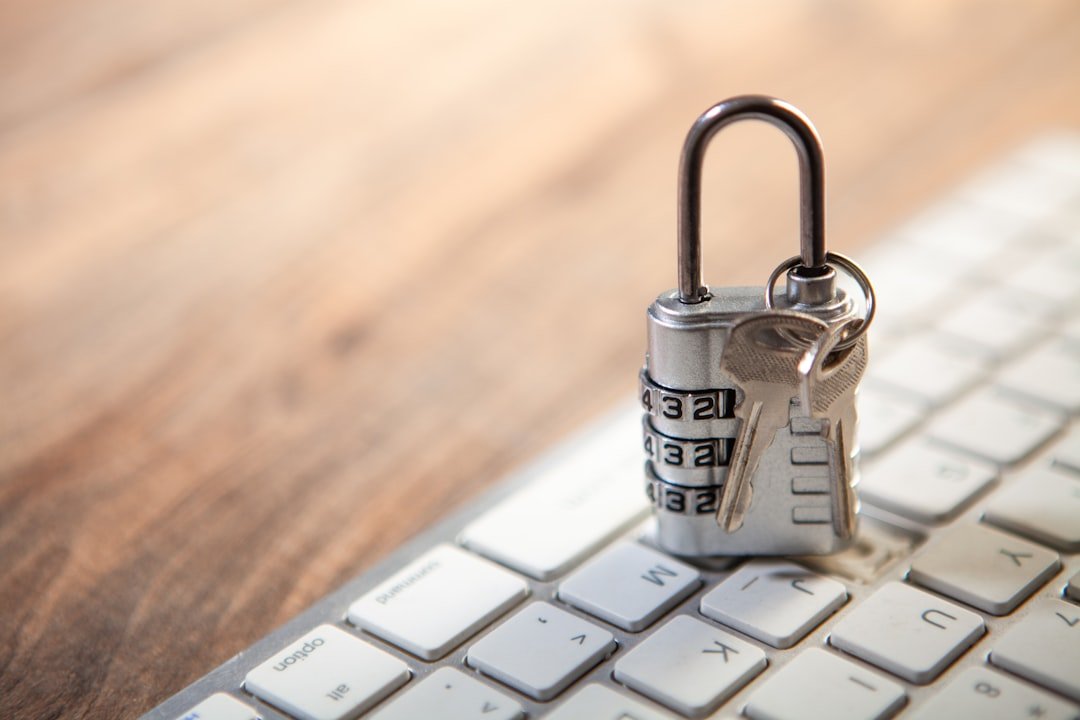
Learning how to avoid scams on Facebook Marketplace comes down to slowing the deal down, keeping records, and refusing payment or delivery arrangements that remove your protection. The safest answer to how to avoid scams on Facebook Marketplace is simple: verify the person and item, use payment methods you understand, meet safely when possible, and leave when the story changes.
How to avoid scams on Facebook Marketplace
Scammers usually want urgency, confusion, or a move away from normal Marketplace communication. A genuine buyer or seller may be brief, but they can usually answer basic questions about the item, price, pickup, condition, or payment without creating a crisis.
Check the listing before you message. Look at the seller’s profile age, public activity, other Marketplace listings, and whether the photos seem copied. You can reverse-image-search a product photo if it looks like a polished retailer image or appears in several unrelated listings. A sparse profile is not automatic proof of a scam, but it is a reason to be more careful.
Keep the early conversation in Facebook Messenger. If someone immediately asks you to text, email, or contact a separate number, ask why. Moving off-platform can make it harder to review the original listing and message history if a dispute develops.
Buyer safety before you pay
Ask for specific details that a real owner should know. For electronics, request the model number, storage size, serial number when appropriate, included accessories, and a current photo showing the item next to a handwritten note with today’s date. For furniture, ask about measurements, damage, pets, smoke exposure, and pickup access. Vague answers matter more when the price looks unusually low.
Be wary of deposits for ordinary local pickup items. A seller may ask for a small hold payment, but a request for a large deposit, gift card, crypto payment, wire transfer, or payment through an unfamiliar link is a major warning sign. Gift cards and crypto transfers are difficult to reverse once sent.
Do not trust a payment confirmation screenshot by itself. Open your own bank or payment app and confirm that money has actually arrived or left your account. Emails and text messages that claim a payment is pending, blocked, or requires an upgrade fee can be fake. Do not pay a fee to “unlock” a payment.
For shipped items, read the current Marketplace checkout and purchase-protection terms directly in Facebook’s help center before buying. Platform rules and eligible items can change. If a seller insists on an off-platform payment for shipping, you lose much of the paper trail and may lose any platform support that would otherwise apply.
Seller safety when accepting payment
As a seller, your main risk is handing over the item before payment is real. Never rely on a buyer’s screenshot, an email that appears to be from a payment service, or a statement that their bank needs you to send money first. Check the transaction in the official app or on the payment provider’s real website, entered manually rather than through a message link.
Common seller scams include overpayments. A buyer says they accidentally sent extra money, then asks you to refund the difference or pay a courier. If the original payment is fraudulent, reversed, or never existed, your refund can be real money gone from your account. Cancel the arrangement instead. A legitimate buyer can send the correct amount.
Another familiar trick involves a fake delivery service. The buyer says a courier will collect the item after you pay insurance, a release charge, or a refundable fee. Do not pay to sell a normal item. If you choose delivery, arrange it yourself through a service you selected, and price that cost into the listing or agree on it clearly beforehand.
| Situation | Likely warning sign | Safer response |
|---|---|---|
| Payment | Buyer sends a screenshot or asks for an upgrade fee | Check your account directly and do not send money |
| Pickup | Buyer wants a courier but asks you to pay first | Decline the arrangement or organize delivery yourself |
| Shipping | Seller wants payment outside Marketplace right away | Use a protected method you have reviewed or walk away |
| Price | Item is far below similar local listings | Inspect it carefully and expect possible problems |
| Messages | Person pressures you to act immediately | Pause, reread the listing, and verify details |
Meet safely for local pickup
Meet in a public, well-lit place during the day when possible. Some police stations, community centers, and shopping areas have designated exchange spaces, though availability differs by location. Tell someone where you are going, share the buyer or seller’s profile if you are comfortable doing so, and consider bringing another adult for high-value items.
Do not invite strangers into your home just because an item is large. For porch pickup, keep the item outside only when you are ready and confirm payment before it leaves. For vehicles, tools, or other expensive goods, bring ownership documents only as needed and remove personal information before showing them.
Buyers should inspect the item before paying. Test electronics, check serial numbers where relevant, and make sure a used item matches the listing photos. Sellers should photograph the item’s condition before the meeting and keep a copy of the listing. A simple written receipt with the date, item description, price, and both parties’ first names can reduce later confusion.
Protect your account and personal information
Never send a one-time verification code to a Marketplace contact. That code may allow someone to access your Facebook account or another service tied to your phone number. Do not share bank login details, card numbers, government ID images, or your full home address before a deal requires it.
Use a unique Facebook password and turn on two-factor authentication in your account security settings. Review active login sessions occasionally, especially if you clicked a suspicious link or received an unexpected security message. If a link claims to be from Facebook, open the Facebook app or type the site address yourself instead of using the link.
What to do when something feels wrong
You do not need to prove someone is a scammer before ending a conversation. Say that you are no longer interested, then block or report the account through Marketplace if the behavior appears deceptive. Save screenshots of the listing, messages, profile, payment records, tracking information, and any phone numbers before reporting. Those records can help your payment provider or platform review what happened.
If you sent money through a bank, card issuer, or payment app, contact that provider promptly through its official support channel. Explain exactly what happened and ask what options are available. If you feel threatened during a meetup, leave immediately and contact local emergency services when there is immediate danger.
The best deals still allow time for basic checks. A seller who will not answer normal questions, or a buyer who will not follow a clear payment and pickup plan, is usually not worth the risk.
Related posts
This article is for general informational and educational purposes only and is not financial, tax, or legal advice. Any income examples are illustrative, not typical or guaranteed — results vary widely by effort, time, niche, and platform changes, and we do not guarantee you will earn any income. Always do your own research and consult a qualified professional before making financial decisions.
Disclosure: This post may contain affiliate links. If you click through and make a purchase, we may earn a commission at no extra cost to you. We only recommend tools we’ve researched or genuinely believe in.